Play listing
Copy this into Google Play Console after the Bubblewrap app exists. The privacy policy URL is the published site's /privacy page. Screenshots are 1080×2160.
Store listing
App name. Orblast
Short description. Aim, bounce, and burst. A portrait bubble shooter with quests, a shop, and optional Google rewards.
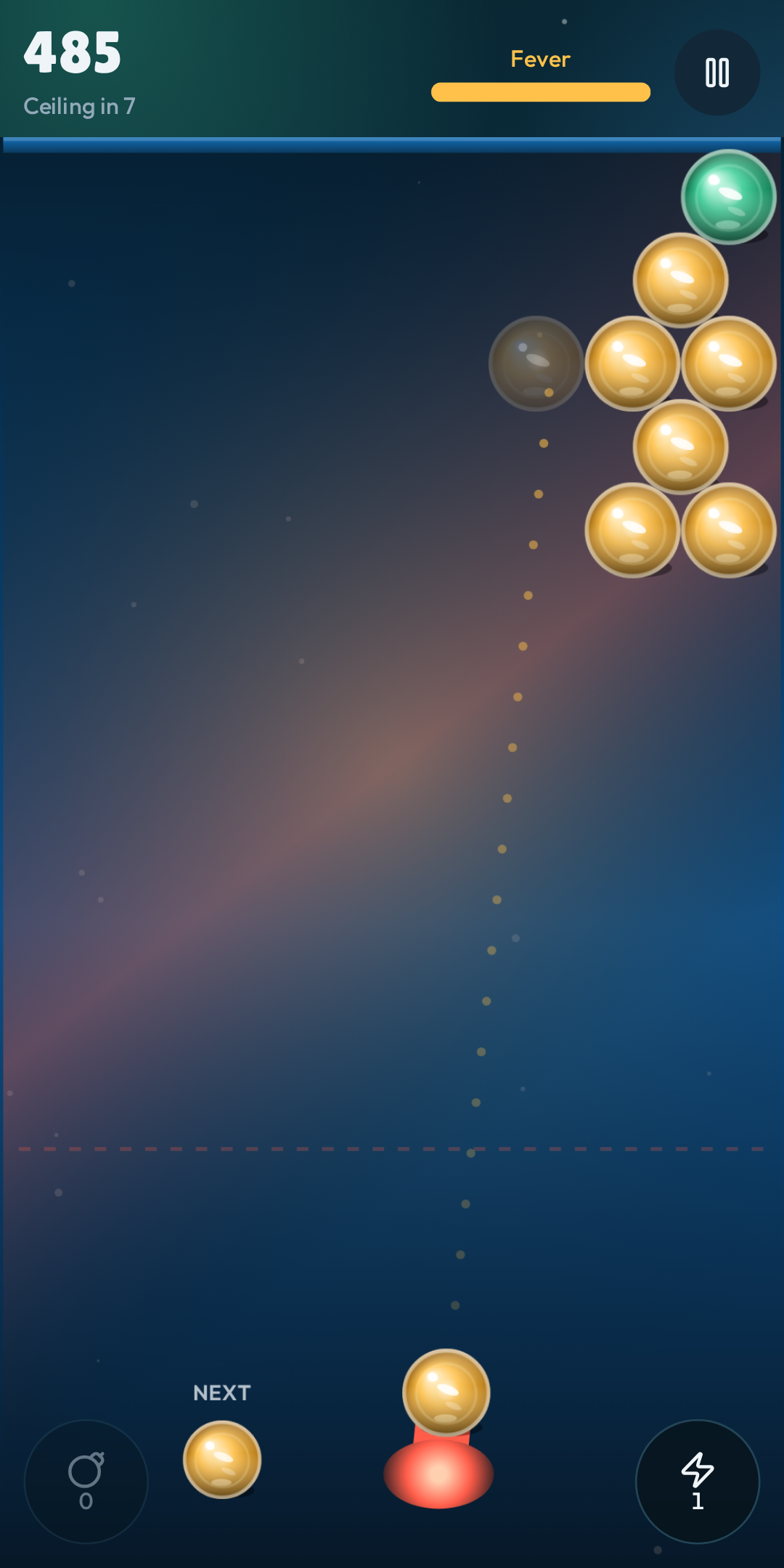
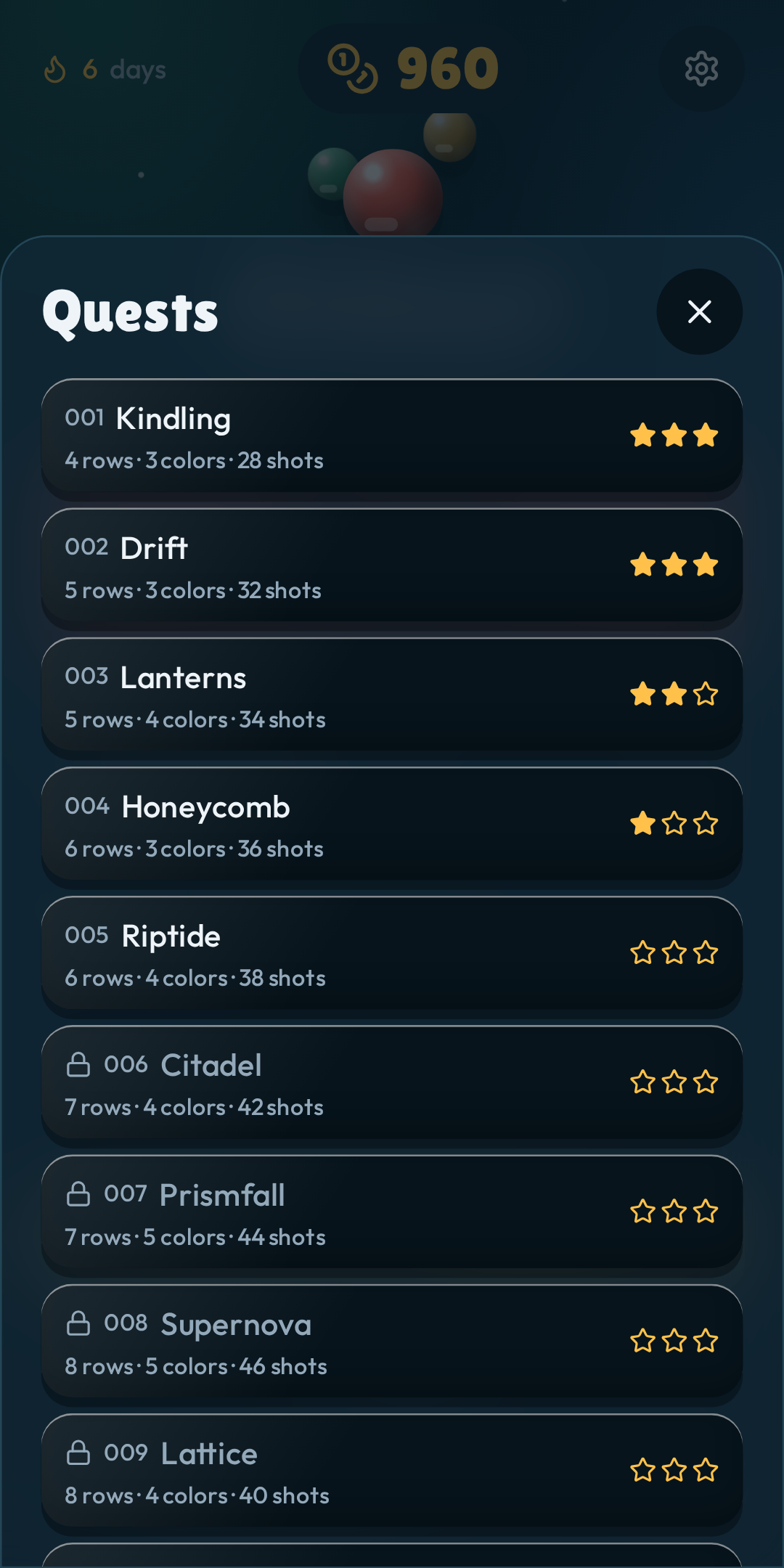
Full description. Orblast is a one-thumb bubble shooter built for a phone held upright. Drag to aim, release to fire, and clear colors before the ceiling drops. Arcade, Rush, and a shared daily board sit next to a long quest path. Coins buy orb styles, cannons, and skies. Once a day you can watch a Google rewarded ad for 100 coins, and an Arcade run can watch one ad to continue. Coin packs are optional, charged by Google Play, and always grant a fixed amount. Sign in only if you want a spot on the leaderboard.
Contains ads. Yes. Optional rewarded ads only.
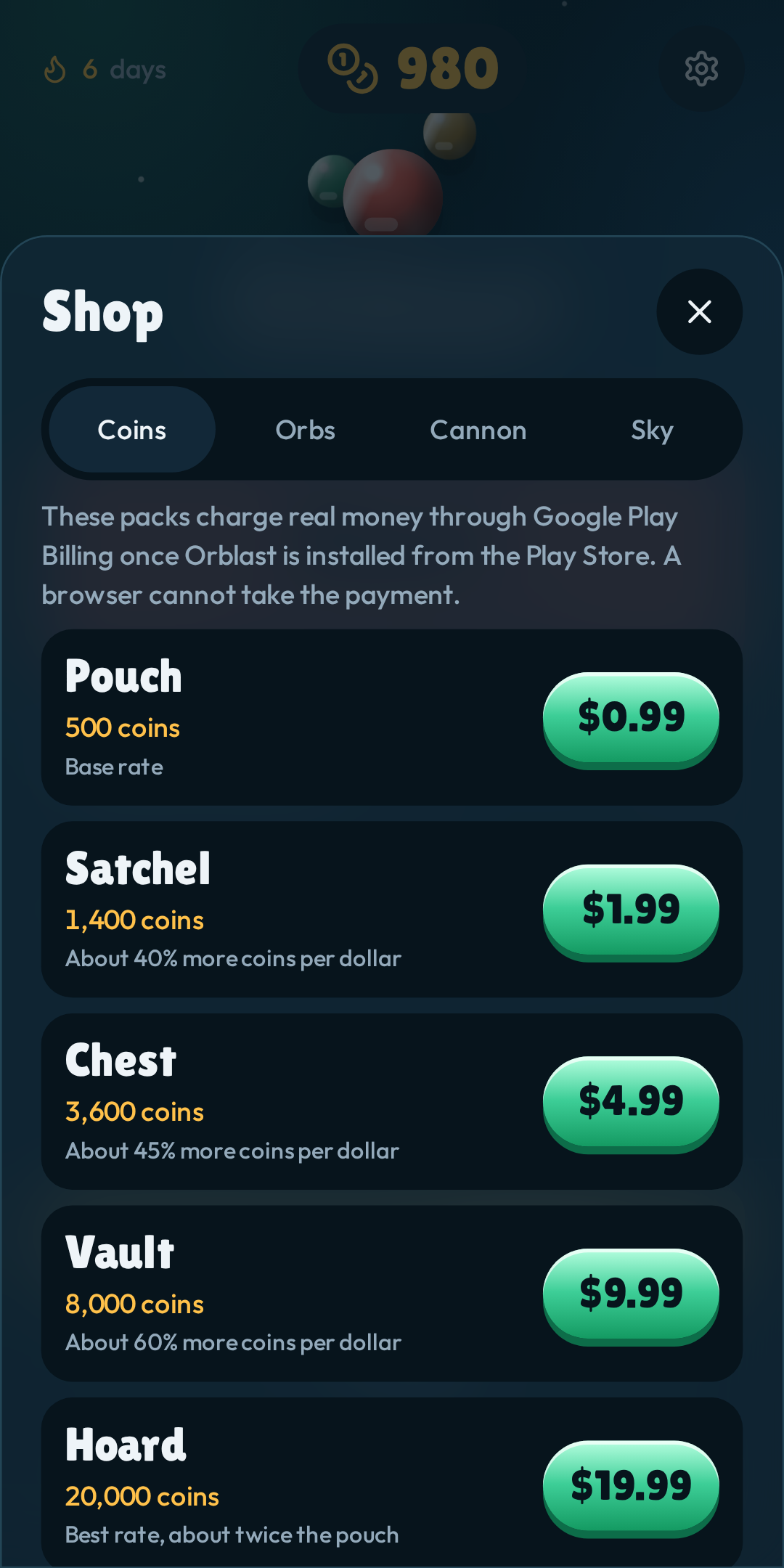
In-app purchases. Yes. Five consumable coin packs.
Category. Game → Casual, or Puzzle.
Privacy policy URL. The live address ending in /privacy. Use /privacy#delete as the data-deletion URL.
Screenshots
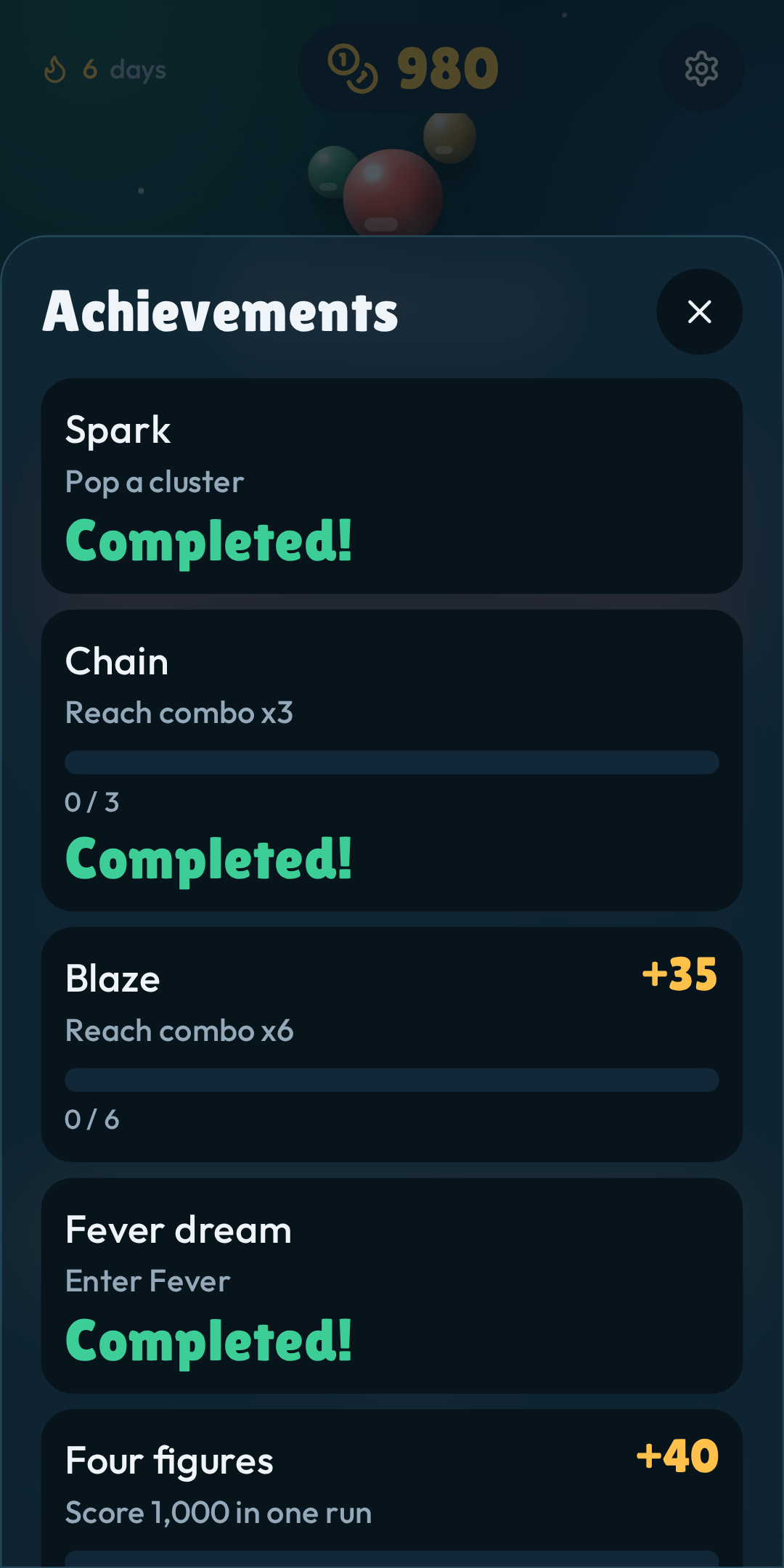
Phone screenshots, PNG, 1080×2160. Save them from below and upload under Store listing → Phone.

Content rating
In Play Console open Policy → App content → Content rating and start the IARC questionnaire. Answer from the game as it ships, not from a wish list. The rating Play shows is the one IARC returns. For this game that is usually ESRB Everyone or Everyone 10+, and PEGI 3, because of ads and a leaderboard rather than because of violence.
- Category: game. Casual / puzzle. Not a utility.
- Violence, blood, fear, sexual content, nudity, language, crude humor, controlled substances: none. Popping bubbles is not a depiction of harm.
- Gambling: no. Coin packs pay a fixed coin count. Nothing is random, wagered, or cashable. No loot boxes.
- Users can interact: yes, but only a leaderboard. Signed-in players can see display names and scores. There is no chat, no rooms, and no free-form user content.
- Shares the player's physical location with other users: no.
- Digital purchases: yes.
- Advertising: yes. Optional rewarded video from Google. No forced interstitial, no banner on the board.
- The app is not a browser and not a news or educational product.
Target audience: do not tick under 13. Tick 13–15, 16–17, and 18 and over. Answer “not designed for children.” Appeals to children should stay No, because of ads and real-money packs. If you later join the Families program, the ad setup and this page both have to change first.
Data safety form
Play Console → Policy → App content → Data safety. Use these answers.
- Does the app collect or share any of the required user data types? Yes.
- Is all of the user data collected by your app encrypted in transit? Yes.
- Do you provide a way for users to request that their data is deleted? Yes. Link /privacy#delete. Deletion also lives in Settings.
- Do you sell user data? No.
| Data type | Collected | Shared | Optional | Purpose |
|---|---|---|---|---|
| Name | Yes | No | Yes | App functionality. Leaderboard display name. |
| Email address | Yes | No | Yes | Account management. Stored only if you sign in. |
| User IDs | Yes | No | Yes | App functionality. Ties scores to the account. |
| App interactions | Yes | No | Yes | Scores you submit to the leaderboard. |
| Device or other IDs | Yes | Yes, with Google | Yes | Advertising, only when a rewarded ad is requested. Session IP may also be stored for the account. |
Do not declare location, photos, contacts, messages, files, health, or financial info. Card payments stay inside Google Play. Orblast does not receive them. Local coins and purchase tokens never leave the phone, so they are not “collected.”
On the ads and security questions: data is not sold; data is not used for tracking beyond Google's own ad measurement when a rewarded ad plays; users can use the game with ads and sign-in both refused.
Coin packs to create
Play Console → Monetize → Products → One-time products. Create each row as a consumable. The product id has to match exactly or the purchase will not grant coins. Set the price to the USD default. Play localizes it. Status must be Active before a production build can sell it.
| Product id | Name | Coins | Price |
|---|---|---|---|
| orblast_coins_500 | Pouch | 500 | $0.99 |
| orblast_coins_1400 | Satchel | 1,400 | $1.99 |
| orblast_coins_3600 | Chest | 3,600 | $4.99 |
| orblast_coins_8000 | Vault | 8,000 | $9.99 |
| orblast_coins_20000 | Hoard | 20,000 | $19.99 |
The game uses the Digital Goods API and the Payment Request API with the method https://play.google.com/billing. That API answers only inside a Trusted Web Activity installed from Play. In a normal browser the shop lists these prices and explains that the charge cannot start. It never adds coins without a Play purchase token.
Rewarded ads
Ads go through Google's Ad Placement API, the rewarded type, placements named daily_coins and arcade_continue. The reward is granted only on Google's viewed callback.
Paid ads are off. The build is on Google's official test placement (ca-pub-123456789, data-adbreak-test). Test ads do not earn money and must not stay on the production track. No publisher id is baked in yet.
To turn on real ads, create an AdMob app (or an approved AdSense H5 games ads account), copy the publisher id that starts with ca-pub-, and put it in the build as ADMOB_PUBLISHER_ID or as the host variable VITE_ADMOB_PUBLISHER_ID. Then publish again. In AdMob, set the maximum ad content rating to G or PG so the content rating you just filed stays honest. Do not use a test id on the production track.
Before Bubblewrap
When you wrap the site, billing and ads both depend on the installed app matching this site.
- Publish the site on HTTPS first. Play needs a stable URL.
- Privacy policy field: that URL plus /privacy.
- Create the five product ids above and activate them.
- Put the AdMob publisher id in the build before the production release.
- Bubblewrap's asset links file has to be hosted at /.well-known/assetlinks.json or Play Billing will not connect.
- In Play Console declare ads and in-app products, upload these screenshots, finish the content rating, and submit the data safety form with the table above.